

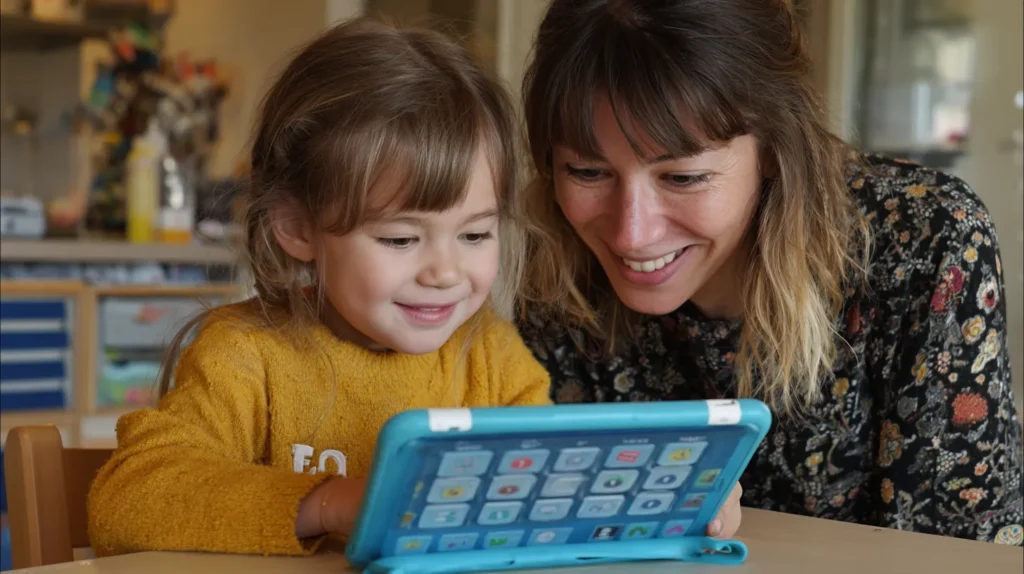
The best maths apps for children in primary school aren’t simply games to hand over to a child on an iPad. Instead, the most effective apps are teaching tools — designed for parents and educators to use alongside children. They make maths visual, interactive, and meaningful, helping children understand why something works, not just practise sums.
This distinction matters. While a few apps on our list allow for independent practice, most are best used together with your child, guiding them through models and activities. In this way, maths becomes a conversation — not just another screen-time activity.
Here are 7 carefully chosen apps, perfect for Key Stage 1 and 2 learners, and especially valuable for home-educating parents.
1. Fractions by Math Learning Center (US Company, hence Center not Centre)
Fractions App
This app allows children to explore fractions visually by shading and comparing parts of shapes. It’s most powerful when parents sit alongside their child, asking questions like: “How many parts are shaded? What fraction is that?” Ideal for KS2 when fractions become more abstract.
2. Geoboard by Math Learning Center
Geoboard App
A digital take on the classic classroom geoboard. Children stretch “rubber bands” across pegs to create shapes, helping them see area, perimeter, and symmetry. Parents can guide by asking: “What’s the difference between this triangle and this square?”
3. Math Clock by Math Learning Center
Math Clock App
Learning to tell the time is a major milestone in KS1 and KS2. This app lets children move the hands themselves and see the link between analogue and digital. It works best when parents set challenges, like: “Show me half past three” or “Move the clock on by 45 minutes.”
4. Number Chart, Number Frames & Number Line
Maths Apps Collection
These tools give children a visual way to explore number patterns and bonds. On their own they can be confusing, but with parent support they become powerful:
- Number Chart – spot patterns like odd/even numbers.
- Number Frames – build number bonds to 10 or 20.
- Number Line – show jumps in addition and subtraction.
Parents can ask guiding questions such as: “What happens if we jump forward three squares?”
5. Number Pieces by Math Learning Center
Number Pieces App
This app brings base-ten blocks to life digitally. Children can combine and split tens and ones, reinforcing place value. It’s particularly effective when parents model problems aloud, e.g. “I have 23 blocks. If I add 10 more, what do I have now?”
6. Pattern Shapes by Math Learning Center
Pattern Shapes App
Children use digital pattern blocks to create pictures, explore tessellations, and learn about fractions. Younger learners may use it freely, but it’s most beneficial when parents encourage exploration with prompts like: “Can you make a shape with three lines of symmetry?”
7. Thinking Blocks by Math Playground
Thinking Blocks
Unlike most apps on this list, this one can be used more independently. It introduces bar modelling to solve word problems, guiding children through each step. Parents can still help by asking: “Why does this bar model work for this problem?”
Other Useful Apps to Try
- Whiteboard App — excellent for parents and children to sketch out ideas together.
- Maths Practice Age 3–5 and Maths Age 4–6 — more traditional practice apps, good for fluency with less parental input.
- Maths — No Problem! Visualiser App — designed around the Singapore Maths approach, helping parents explain key concepts visually.
Why the Best Maths Apps for Children Need Parents Too
The best maths apps for children in KS1 and KS2 are not “set and forget” tools. They work best when parents:
- Ask guiding questions.
- Encourage children to explain their thinking.
- Use the apps to show why maths works, not just to check answers.
By using these apps as teaching aids, parents can build deeper understanding, improve problem-solving, and make maths a subject children truly enjoy.
Final Thoughts
When chosen carefully, apps can be more than digital distractions. They can be bridges between the abstract and the concrete, between confusion and clarity.
For home-educating families, these truly are some of the best maths apps for children in KS1 and KS2. Used alongside parents, they help children see not just how to do maths, but why it works.
👉 Join our Home Ed. Circles community to see how other parents are using these apps. Explore our HomeEd Discounts page for savings on resources, and check our YouTube Channel for tutorials on making maths visual and meaningful.